
 Brief
BriefHow Enterprises Generate Media
Make AI media ready for business.
Set the requirements. Follow every generation. Bring the right assets, permissions and production knowledge into your next campaign.
 Dayform / Everyday layersProduction map
SOURCESCOPE + DECISIONSBriefCampaign sources2 sources · Photo + brief Made for the everyday.
BriefTOOL CONTEXT
- Model
- Image model
- Account
- Team workspace
- Sources
- 2 sources
Image → motion → editv03
Made for the everyday.Dayform — Everyday layersSources, tools & permissionsConnected to final file
Select any node to exploreSwipe to follow the flow6 connected steps
06
Deliver the story behind the file.
Sources, tools and permissions travel with the file, including the open review item. Campaign plan changed from 3 to 6 months.
Tools, models & standards
Across the generative media ecosystem.
Creative platforms







Models & providers






Aggregators & infrastructure





Brands & agencies
Set the
requirements.
Give every team and production partner the same starting point for tools, talent and intended use.

STUDIO BLOOM / BEAUTY CAMPAIGN
v01The client’s brief
Approved tools
Enterprise accounts · company model list
Talent & sources
Permission for AI imagery · source licenses
Studios & production companies
Show how you
met the brief.
Build the client’s requirements into production. Share the evidence behind a deliverable without sharing your prompts.
 Selected frame · v04
Approved enterprise toolsActivity attached
AI imagery · US paid social · 3 monthsRelease attached
Prompts & production recipeStudio only
Policy & guardrails
Set the rules
before you generate.
Turn your brief and company policy into clear production rules. Catch avoidable issues before they become wasted generations.
Good Times / Campaign guardrailsPublished · v1.2
Good Times briefCampaign requirements
Brand AI policyCompany requirements
Suggested from your documents. Reviewed by your team.
- 01
Approved models. Enterprise accounts.
Use models on the brand’s approved list through a company account.
- 02
Licensed product references.
Use source material with a license covering the intended campaign use.
- 03
US paid social. Three months.
Keep the intended use within the agreed campaign scope.
Reviewed by Business AffairsPublished for the Good Times social campaign
Review the rule sources
Rule 01Brand AI policy · § 2.1
Rule 02Good Times brief · Source material
Rule 03Good Times brief · Distribution
The published version includes the team’s reviewed requirements. New suggestions return to Business Affairs for review.
Applied before generation
Image generation
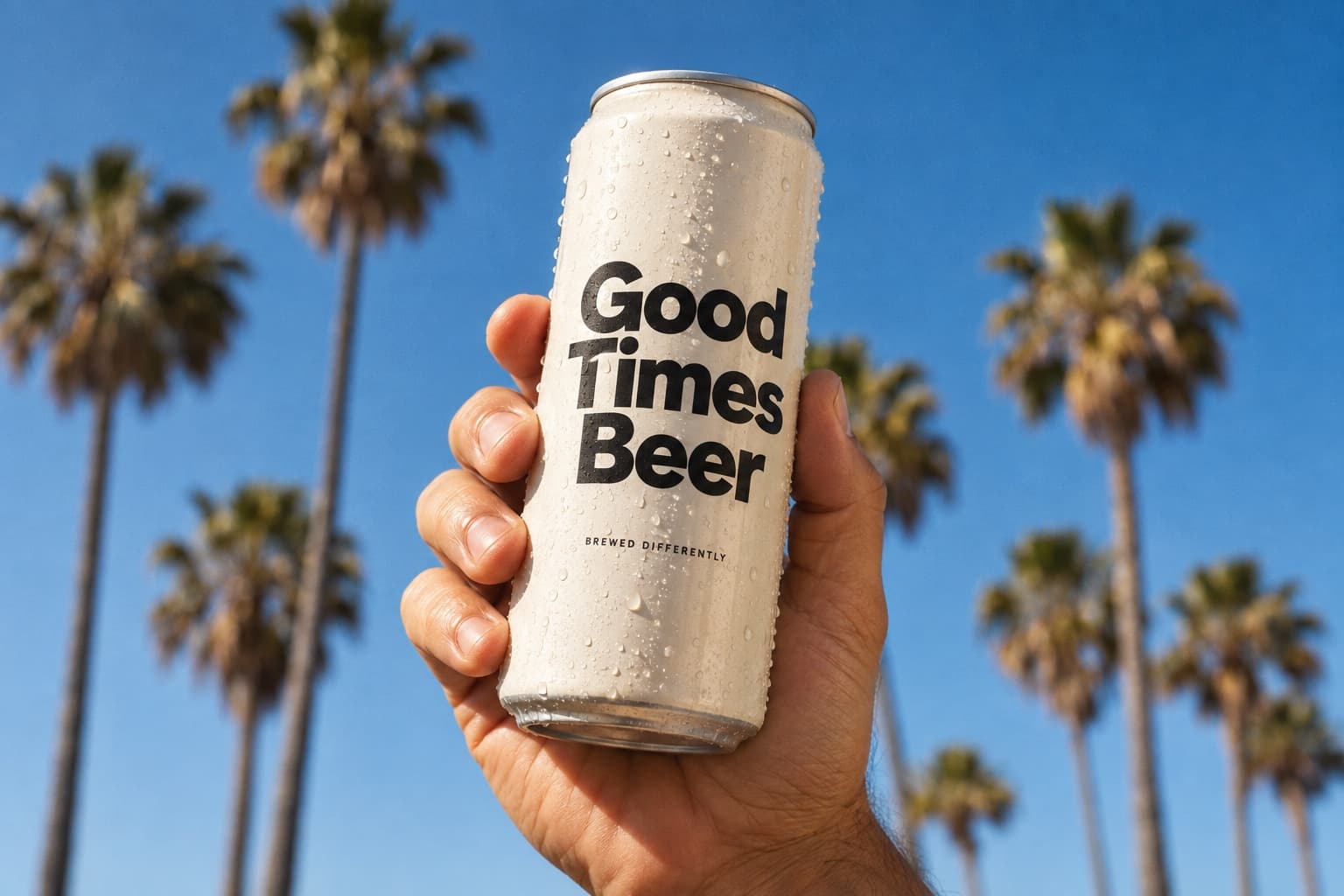
Good Times / Social campaignPrompt + product reference
A chilled Good Times can, blue skies and summer light. Keep the supplied packaging.
Run held
Rule 01 requires an approved model through a company account. This personal account doesn’t meet that requirement.
From first prompt to final file
Trace every iteration
from source to delivery.
Follow the versions, choices and approvals behind an asset. Share the story your client needs, while keeping your creative recipe with your team.
Soli / Summer campaign
01The creative recipe
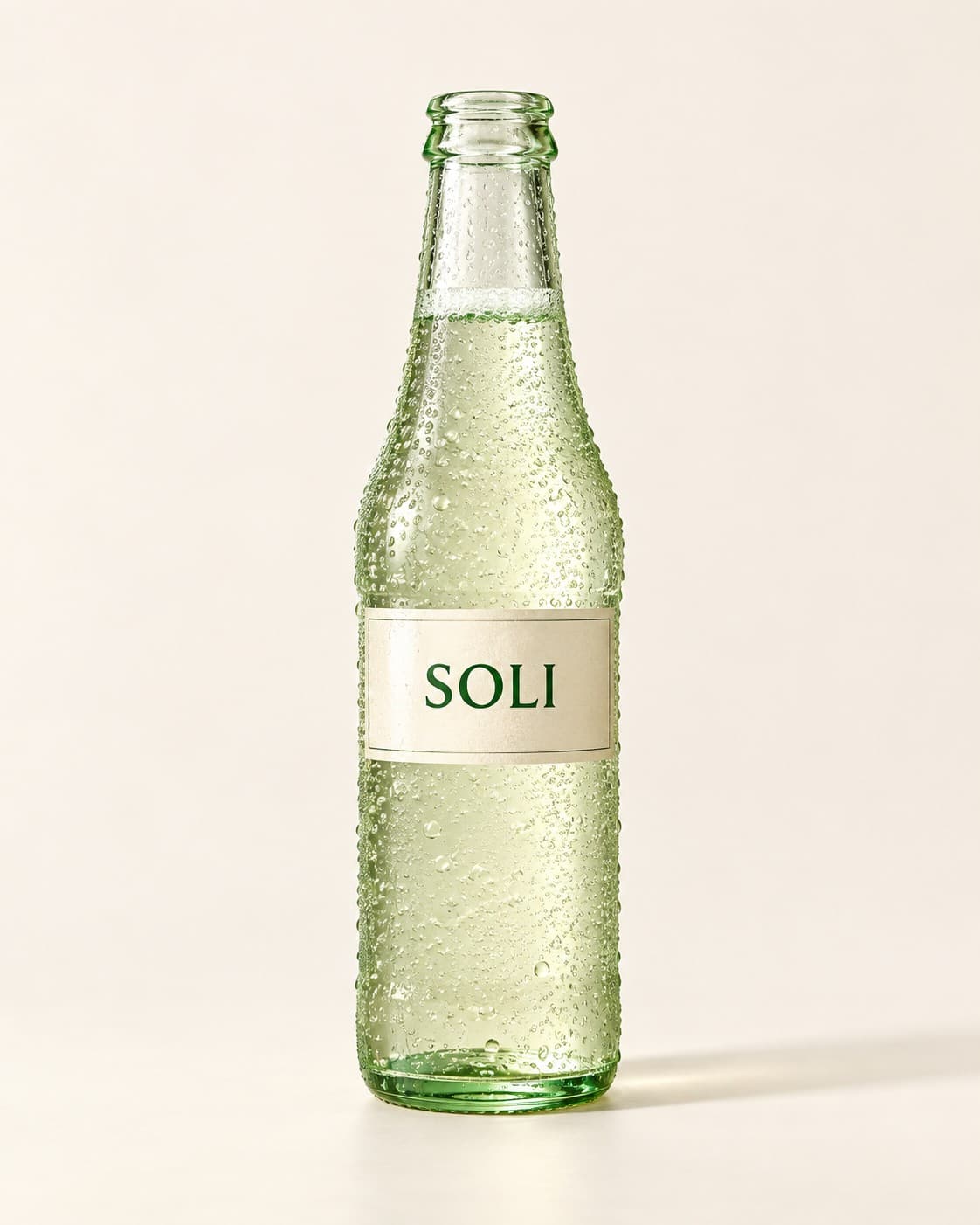
Summer, bottled.Campaign brief · v02
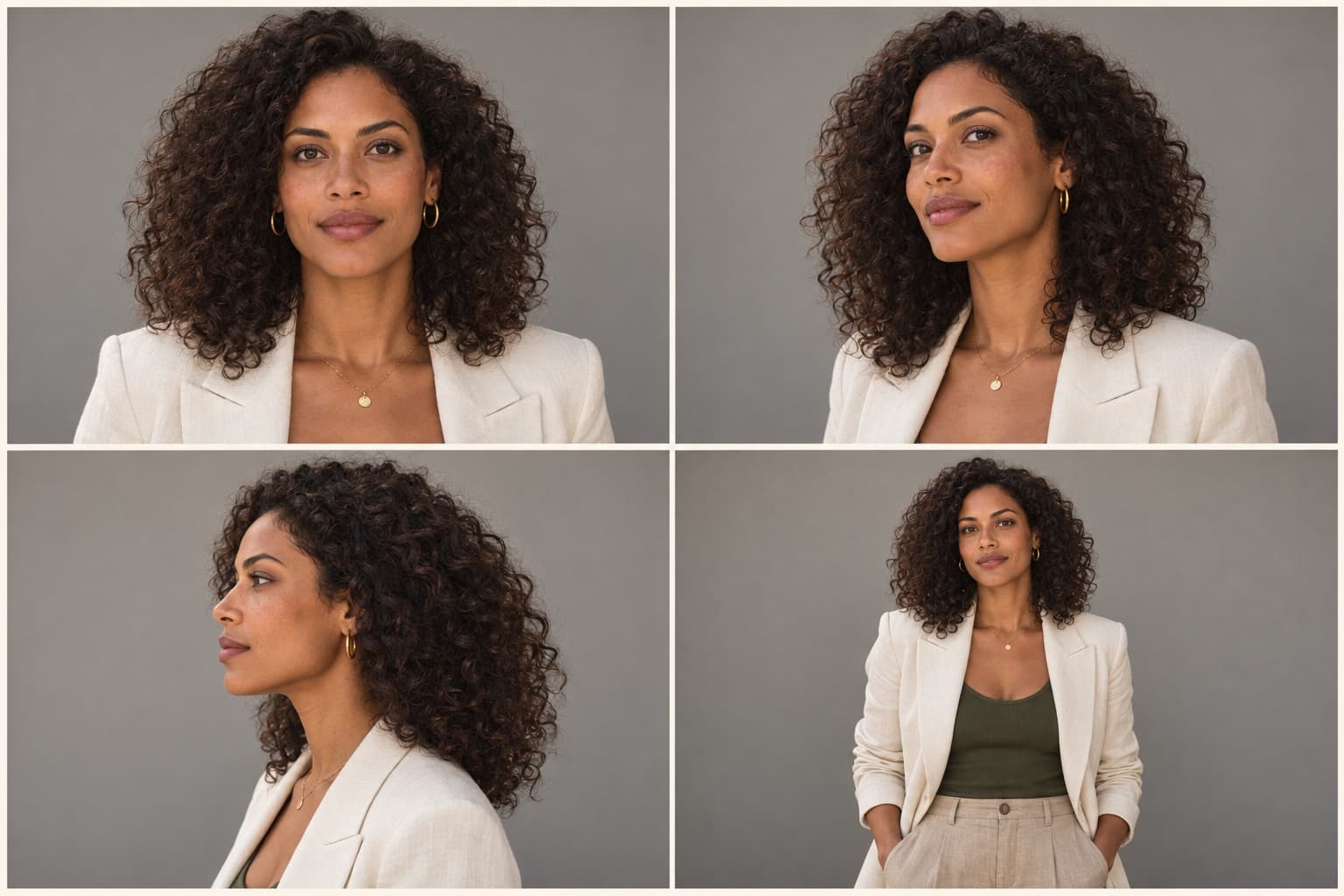
Maya’s talent release attached
Prompt · version 03Studio only
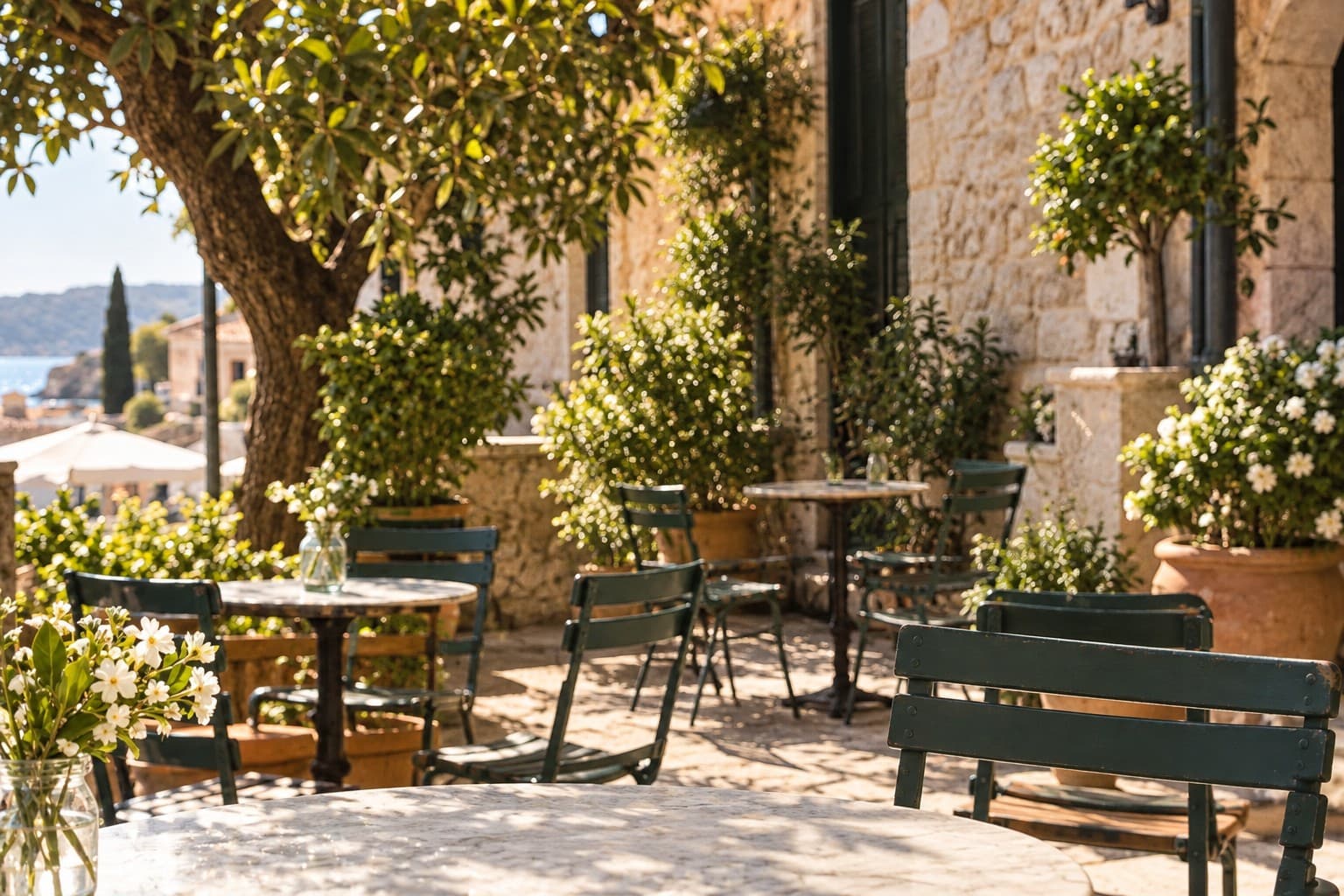
A warm summer portrait on a café terrace. Talent holding a Soli bottle, soft backlight, natural expression. Keep space for the headline.
FLUX.1Seed 842031
02Explore the iterations
One brief. Each choice connected.
03Review the selected version
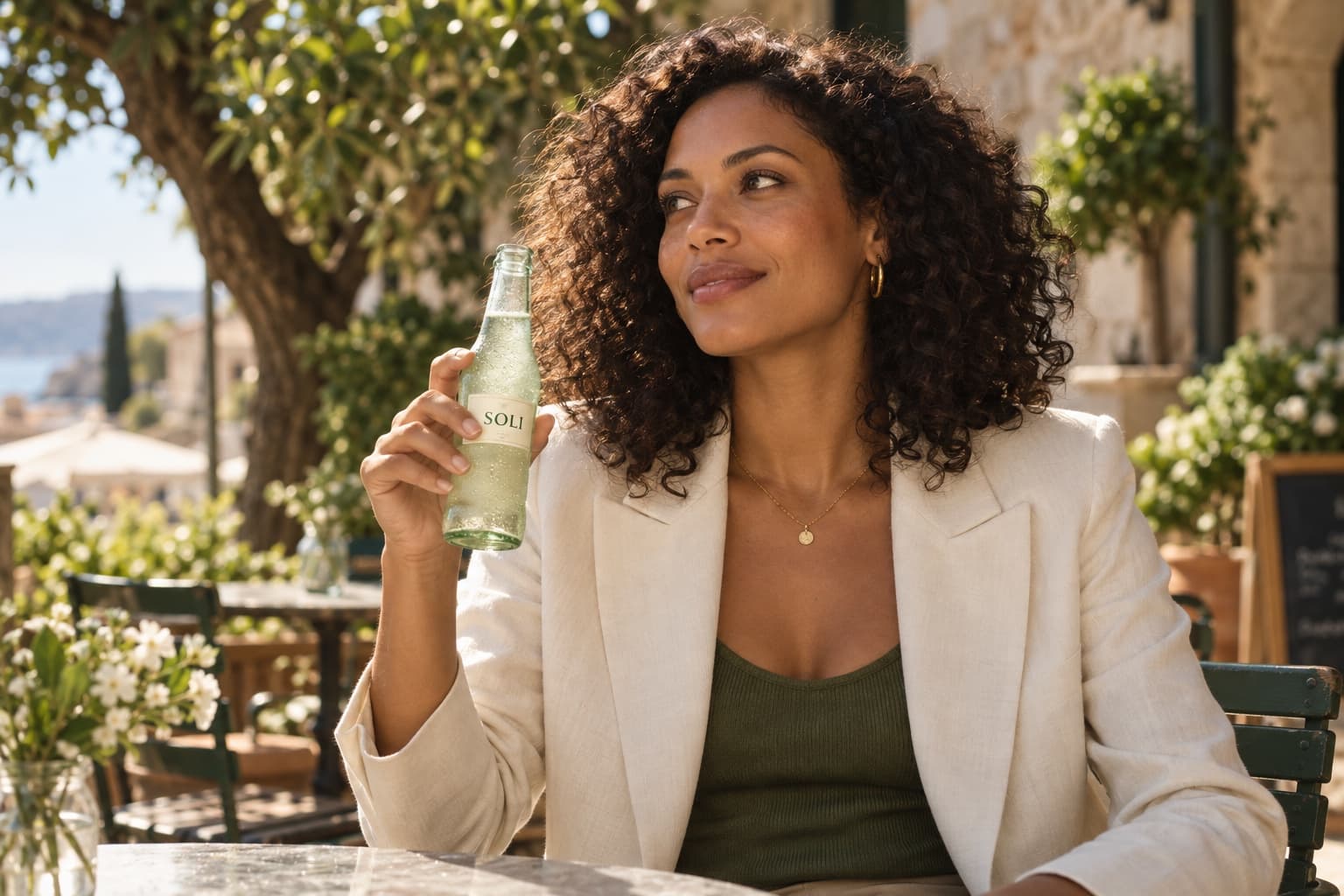 VERSION 03
The summer frame$0.08 / generation
Approved for this use
US · paid social · 3 months
Jordan Lee, Brand lead · approved version 03
soli_summer_v03.jpgVersion 03 · delivered to the brand team
Production RecordSources, tools, permission & approval
Talent & permissions
Keep talent permissions
connected to every use.
Build on the people you already create with. Keep their references, permissions and campaign appearances together, then check what the next use needs.
People / MayaLinked to 2 campaigns
Character reference sheetLinked by the studio
Across her campaigns

Campaign library
Start the next campaign
with a head start.
Find the assets worth building on—and the sources, prompts and production choices that made them possible.
Campaign libraryAcme / Creative operations
 Selected direction
Sunday lunch / v02
Food editorial imagery
Original brief
Bring an easy Sunday lunch to life for a seasonal recipe feature.
The recipe behind the result
Keep what made
this one work.
- Model
- Adobe Firefly
- Sources
- Recipe photography + food styling brief
Production prompt
Fresh tagliatelle with basil and finely grated parmesan in a shallow ceramic bowl. Late afternoon window light across a stone table, linen napkin and bread at the edge of the frame. Keep the food generous and believable.
What carries into the next brief
The selected asset, its references, prompt and model details. The new campaign gets its own intended-use and permission review.
A new campaign. A fresh permission check.
Production intelligence
Make the next project
better, cheaper, faster.
See what your team spends, which models deliver, and where a different approach could save the next round.
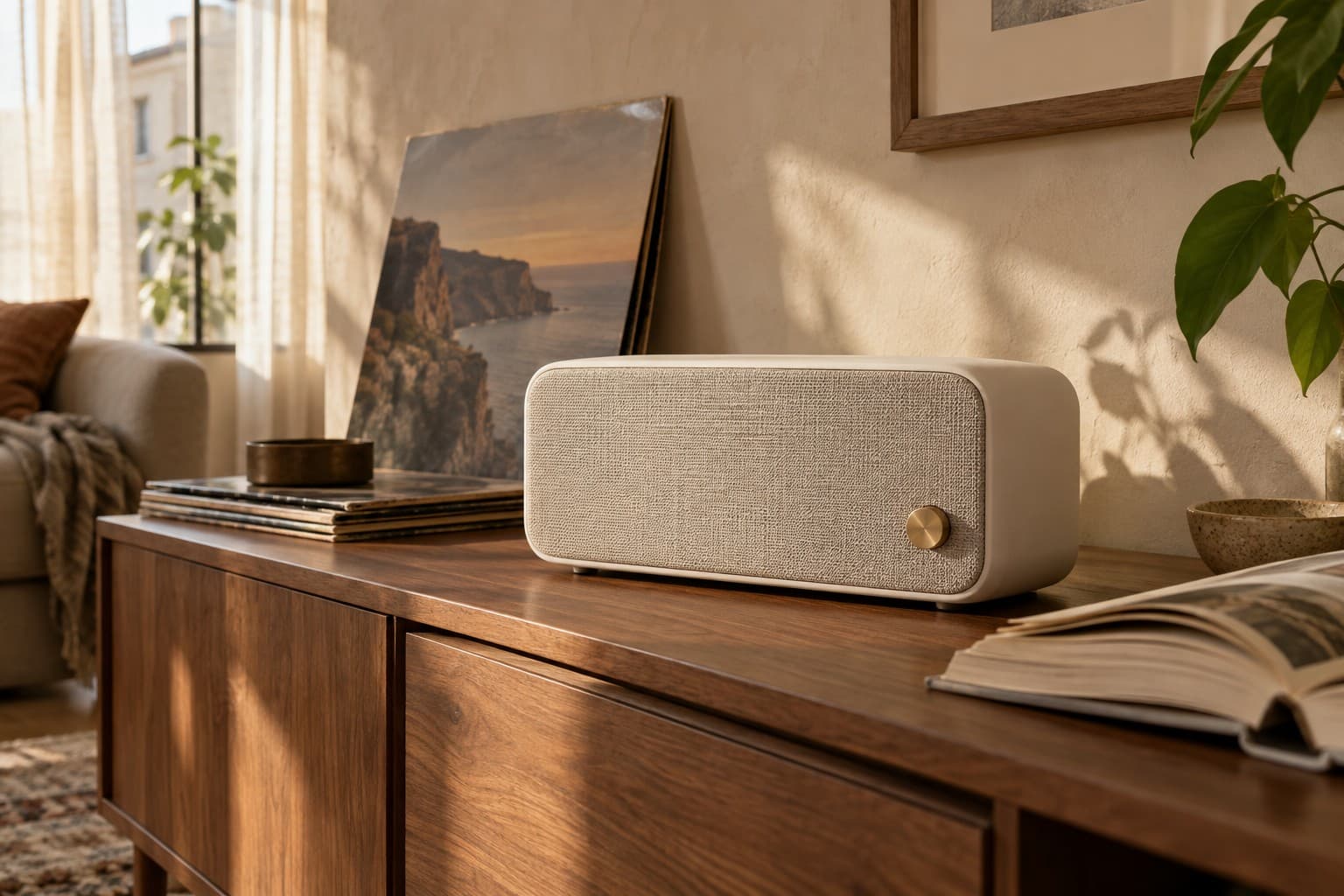 Still / Everyday listeningHome audio · Product launchImage generation spend & creative approvals
Generation spend$144
Approved frames60
Cost per approved frame$2.40
Where the budget goesStoryboards only
| Model | Generated | Approved | Cost / approved |
|---|---|---|---|
| FLUX | 480 | 20 | $4.80 |
| Imagen | 320 | 40 | $1.20 |
See Pluribus in action
Produce your next campaign
with confidence.
Explore Pluribus with your team’s tools, talent and production requirements.
Request a demo